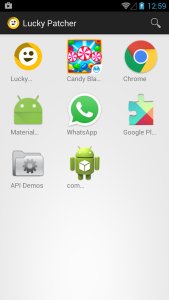
Lucky Patcher is a very useful solution to remove the ad banner ugly and uncomfortable on Android
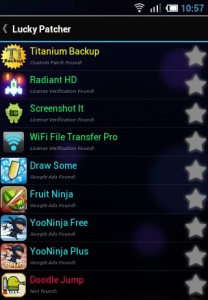
First, you need to download software and install Lucky Patcher on your phone. Next, run the Lucky Patcher, when the dialog box pops up Superuser Request, choose Allow. When the list of applications installed on your computer appears, advertising application that is below their title will be warned, "Google Ads Found!"
Tap the app you want to remove the ad about 2 seconds, there will be a bulletin board out. Here, you select Remove Google Ads, such as banner ads or gaming applications that will be removed. After this step, you can go directly to the app and see the banner ads are not offline.